
Trusted by






Instagrid GO
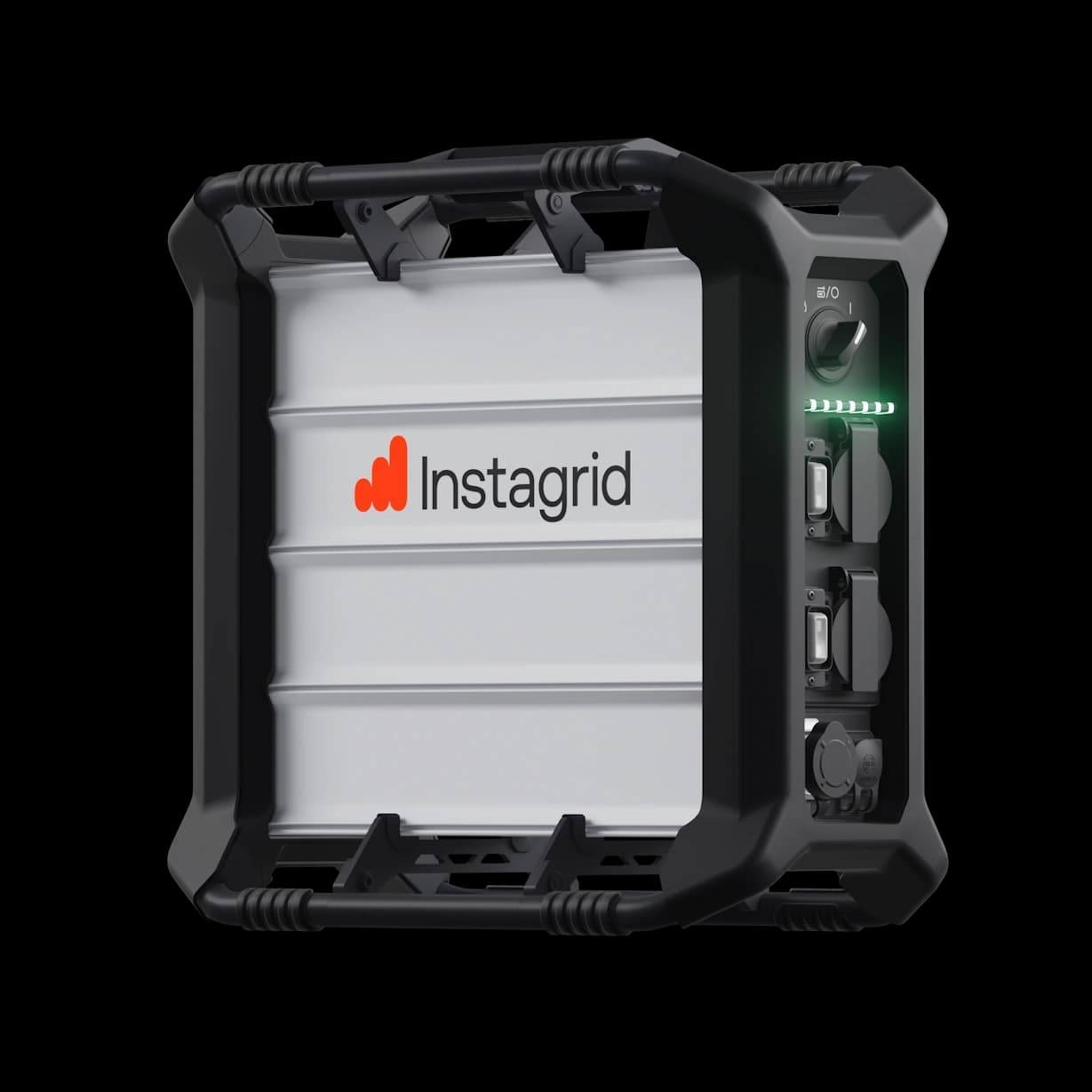
Power your tools with grid-like reliability –anywhere the job takes you. Instagrid GO delivers high-output 120 V energy in a portable, lightweight system designed to eliminate setup time, fuel dependence, and downtime. With advanced microinverter technology at its core, Instagrid GO brings consistent, fume-free power to every site – quietly and efficiently.
Features:
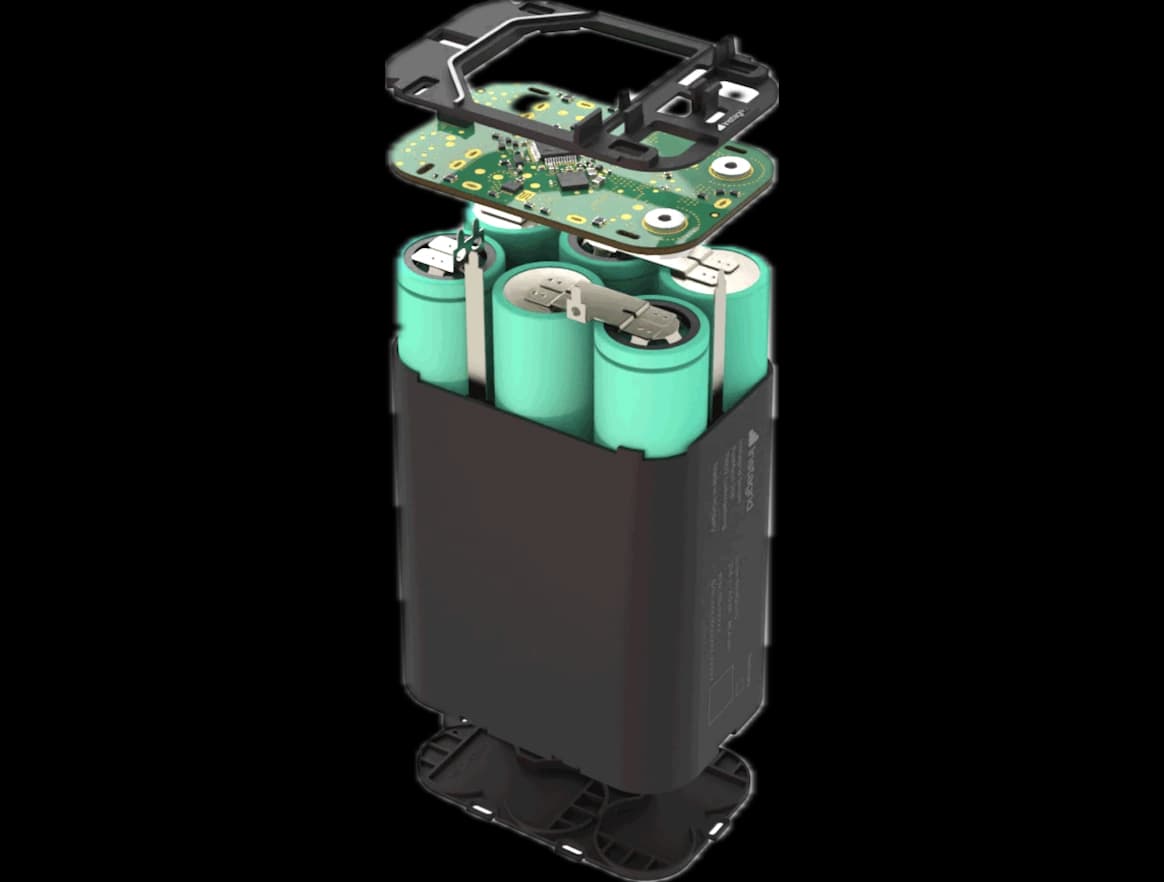
2.1 kWh energy content – all day runtime
3.6 kW continuous power – runs any 120 V tool
18 kW peak power – maximum performance
46 lb – can be carried in one hand
Built-in IoT connecivity – access location, performance data, and more
Your benefits at a glance
Power for your job.

Control your schedule
Stop waiting around for temp power on your job site. Bring an Instagrid unit with you, plug in, and start work as soon as your crew arrives. Get more work done every day thanks to instant availability and zero setup time. You don’t need a transport plan to move the unit as it’s easy to carry by hand wherever it’s needed. Downtime is also minimized, since Instagrid power supplies require no maintenance or service that would take them offline on the construction site.
Save money
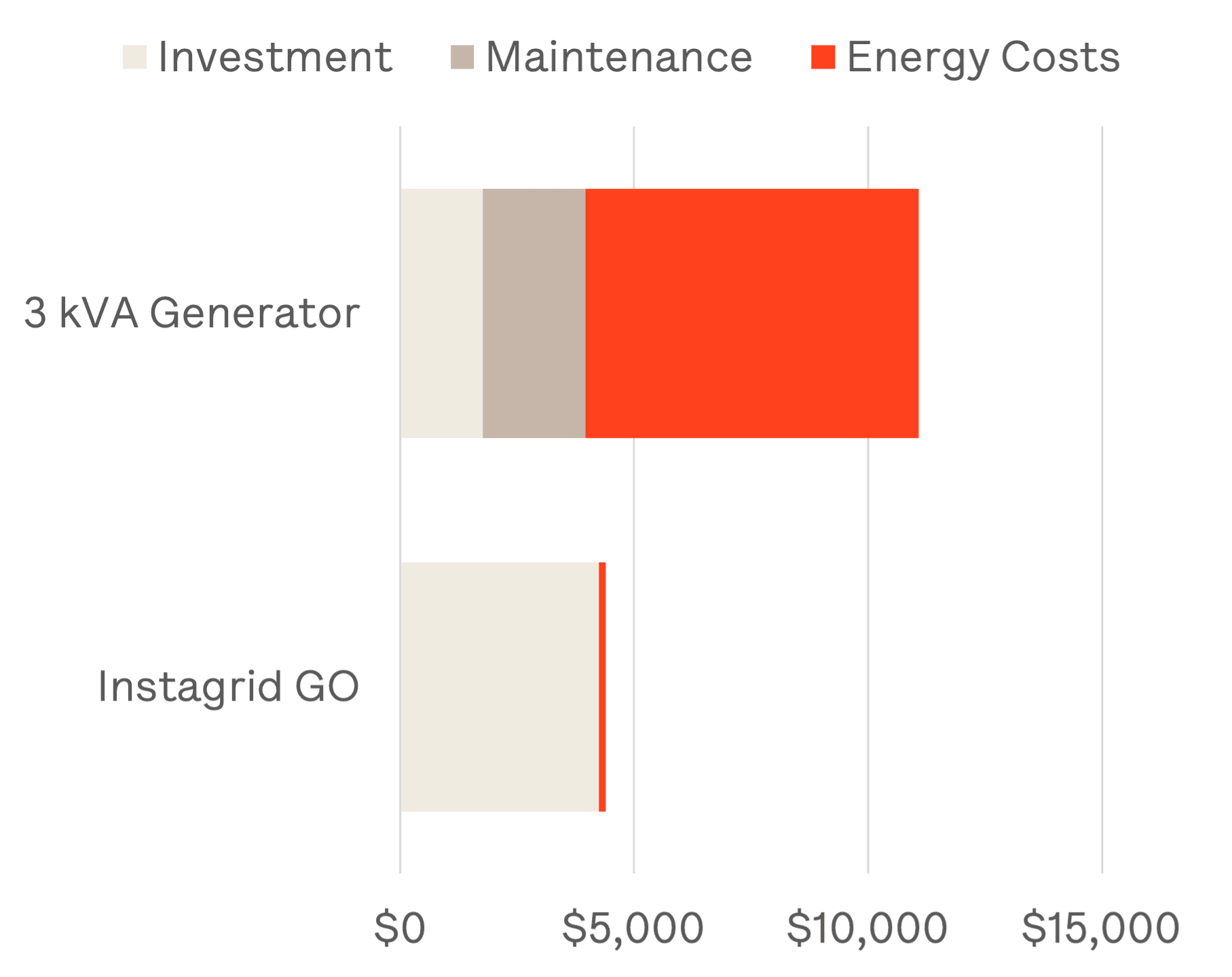
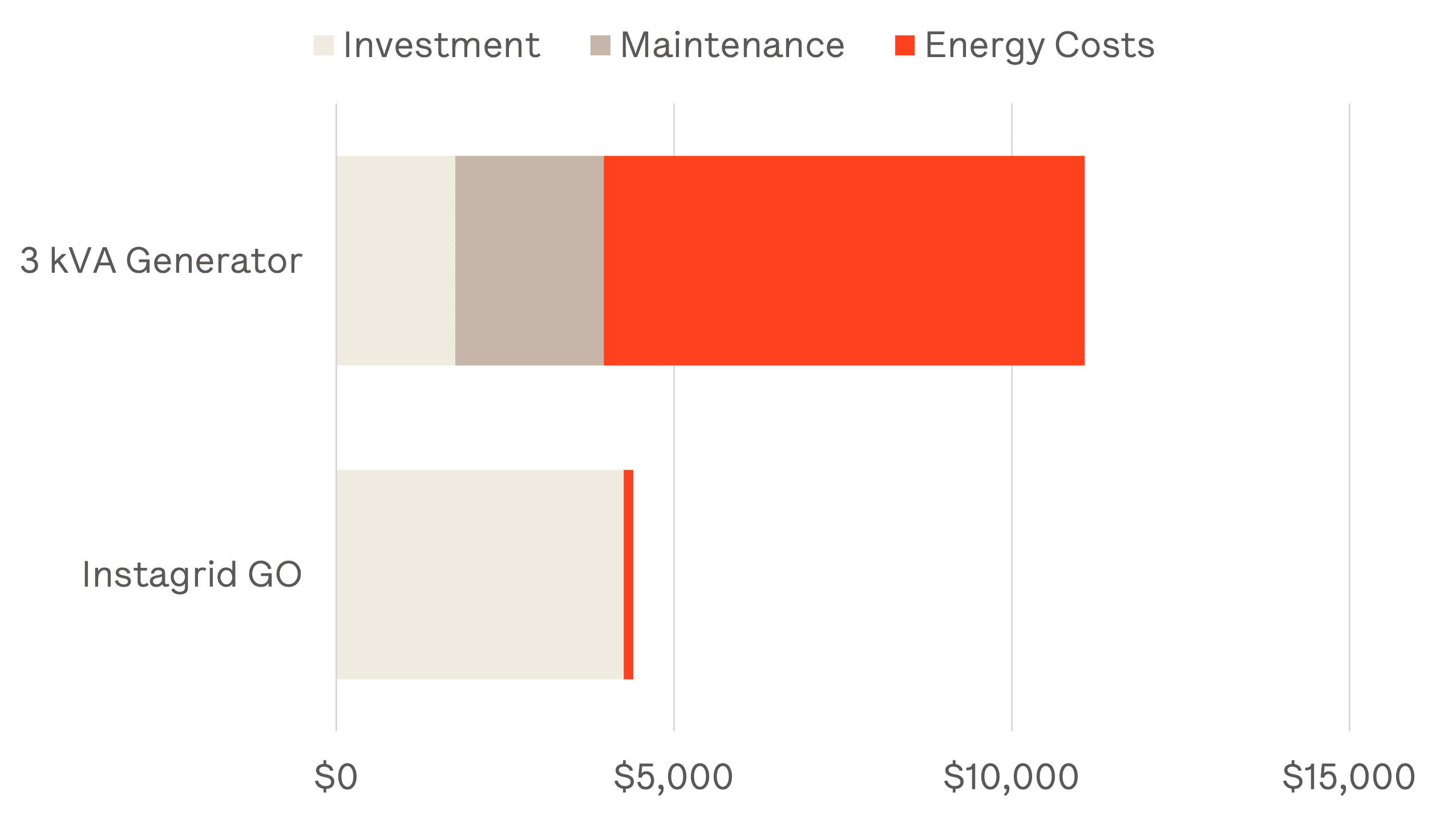
Electricity is a more cost-effective energy source. And with no moving parts that wear out or require regular maintenance, Instagrid eliminates the hidden costs of traditional generators. Over its lifecycle, Instagrid can reduce operating expenses by more than 60% compared to conventional solutions, while boosting efficiency on every job. No fuel runs, no heavy lifting, no downtime. Invest in an Instagrid unit and never buy gas again. The savings add up fast.
Work safer
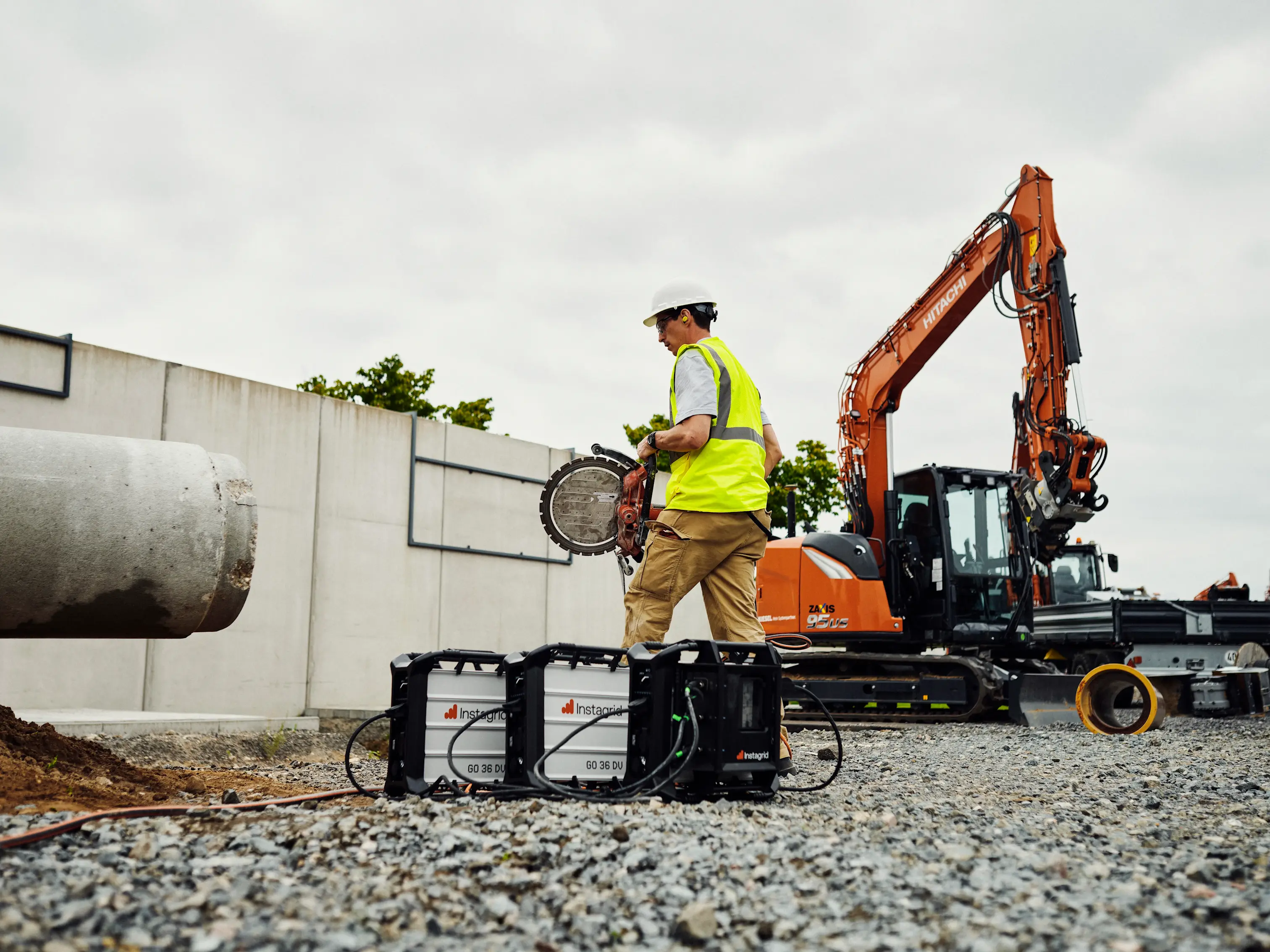
Get rid of trip hazards and eliminate long extension cords that run across your job site. Our portable power supplies significantly reduce noise and air pollution on your job site. Instagrid products run silently in the background without producing exhaust fumes. Without a generator running all day, you create a safer, cleaner and more comfortable work environment. That benefits yourself, nearby people, and the environment, whether you are working in a pedestrian area, a park or on a large construction site.
Why Instagrid GO?
What sets it apart from any other solution.

Engineered in Germany to the highest standards, this product is built for reliable, professional use. Passive cooling and a no-moving-parts design ensure maximum durability and zero maintenance. Because availability drives productivity, it’s ready whenever you are.

First-class service across the US – whether you buy directly or through a distributor. A 4-year warranty reflects our confidence in quality, while our US-based support team connects you quickly with real experts. If something goes wrong, our straightforward service process keeps downtime to a minimum.

Instagrid GO is the core of a scalable system. With LINK you can extend runtime or set up a power backup system – while maintaining true portability. Seamless connectivity via the Instagrid App unlocks additional features, giving you greater control on the job.
The end of generator compromises
Five immediate benefits of switching from generators.
Instagrid GO saves up to 60 % of the costs you spend on running a generator over a time period of 4 years.

Instagrid GO removes the constraints of a generator enabling you to carry and use it anywhere and even indoors.

No servicing, no oil changes, no engine wear. Maximum uptime and dependable power, ready whenever you are.

No fumes, no refueling risks and no noise. Safe to use indoors and around people without additional precautions.

Zero emissions and no noise pollution. A cleaner way to power your work and perfect way to reach your sustainability goals.
Customer stories
You’ve
got the
power"This portable generator by Instagrid is exactly what all General Contractors need at the job sites. The generator is noise-free, lightweight and most important, it provides the power needed in case of an outage. Huge A+ to the Instagrid Team, amazing product! " Cristian Rivera, Senior Superintendent, Garden Communities
Customer stories
You’ve
got the
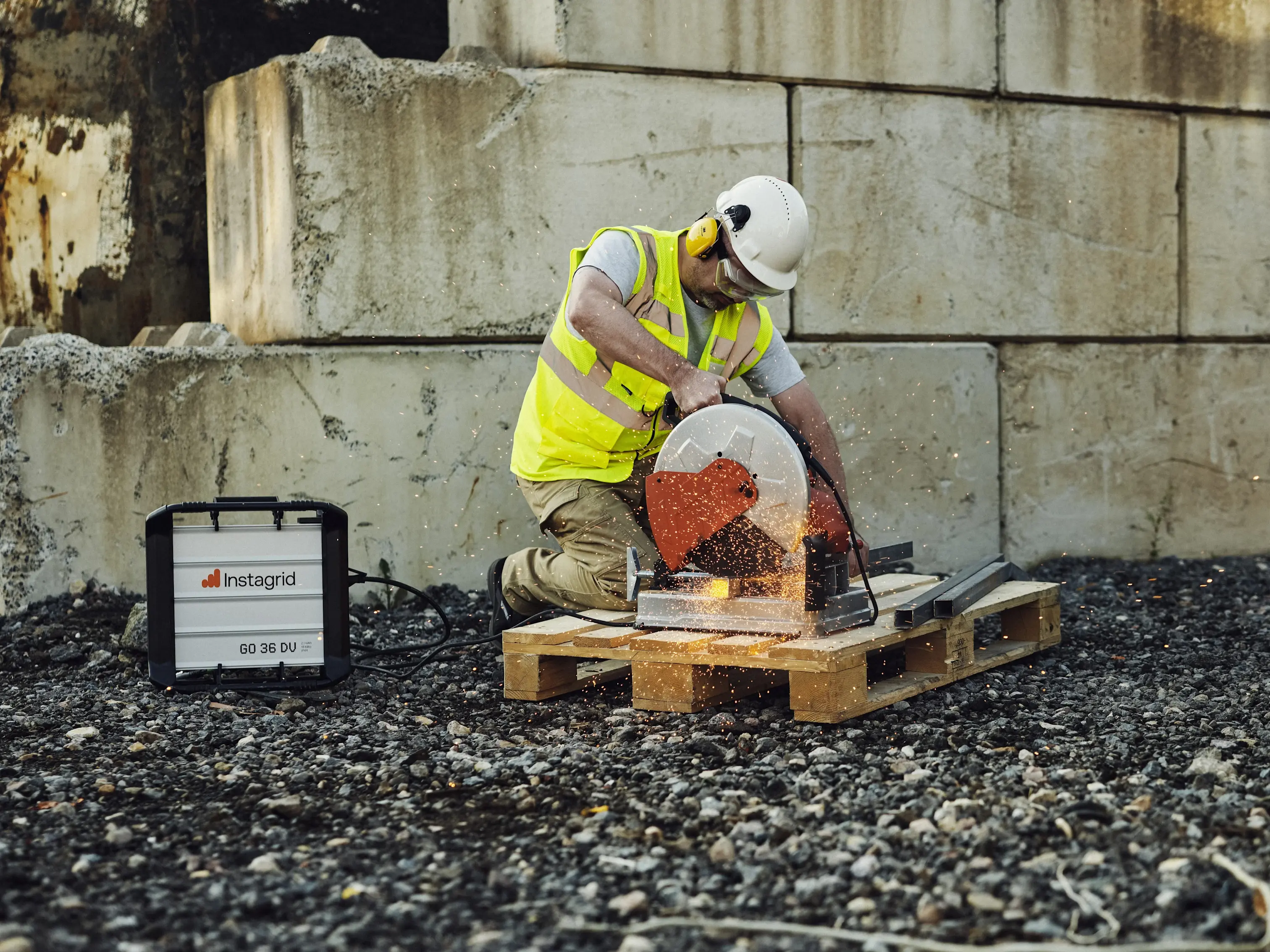
power"With no electricity available in the room we were working in, our only alternative would have been to run a gas generator outside and string extension cords through doorways and hallways—an inefficient, time-consuming, and costly setup. Instead, we used the Instagrid portable power unit, and it performed flawlessly. It powered all of our necessary corded tools throughout the day without issue.The Instagrid unit was a game-changer for us—easy to use, reliable, and incredibly efficient." Matt Fredrickson, President, DGR Grant Construction
Customer stories
You’ve
got the
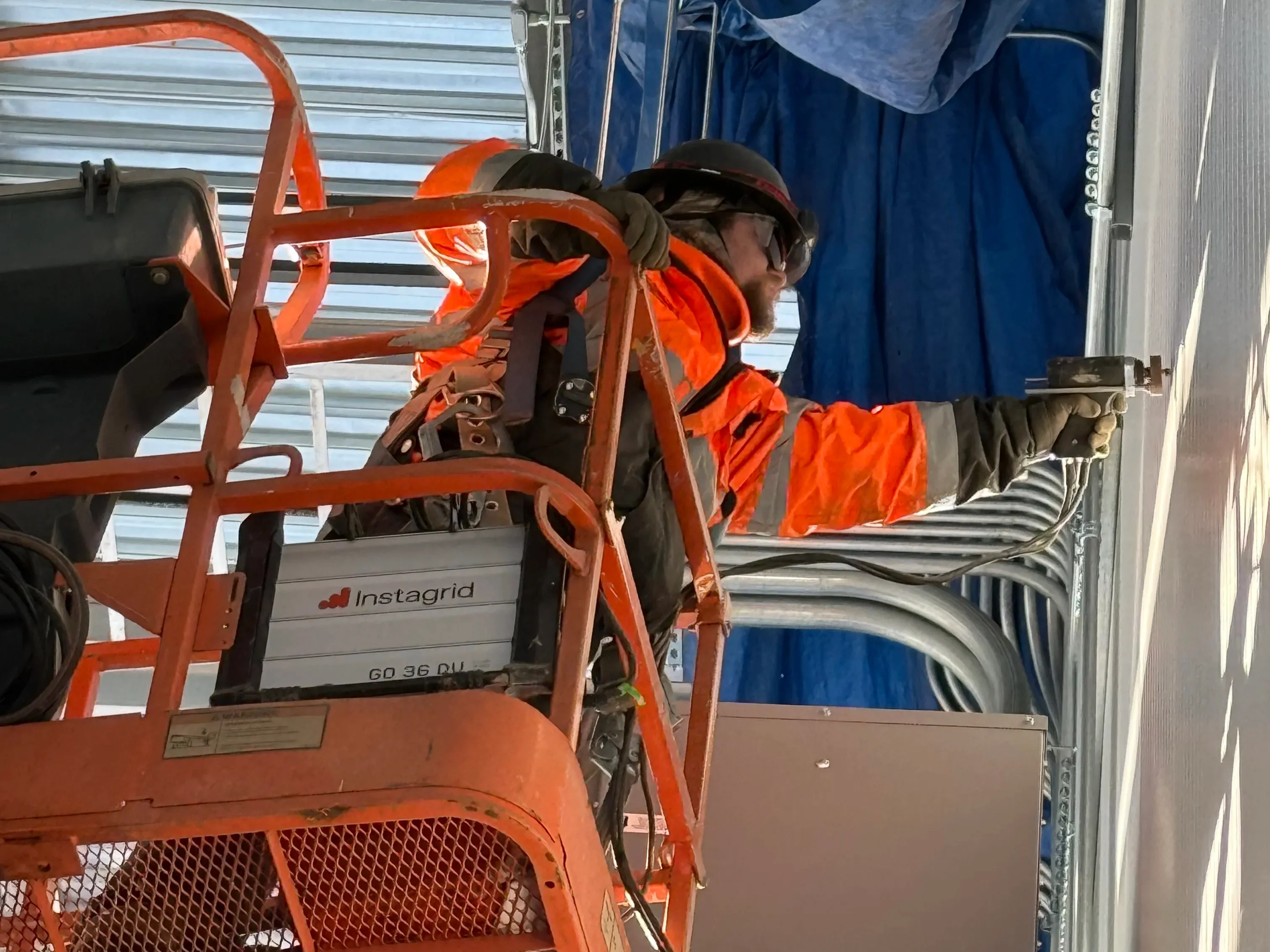
power"With Instagrid, we were able to run the strut shear all day without interruptions, and the power delivery was just as strong as being plugged in to a typical outlet. The portability made it easy to move between work areas, and we saved a ton of time not having to set up cords or fuel generators. It’s a game changer for anyone in construction who needs reliable, portable power. "
- Austin Templeton, Garrett Electric
Customer stories
You’ve
got the
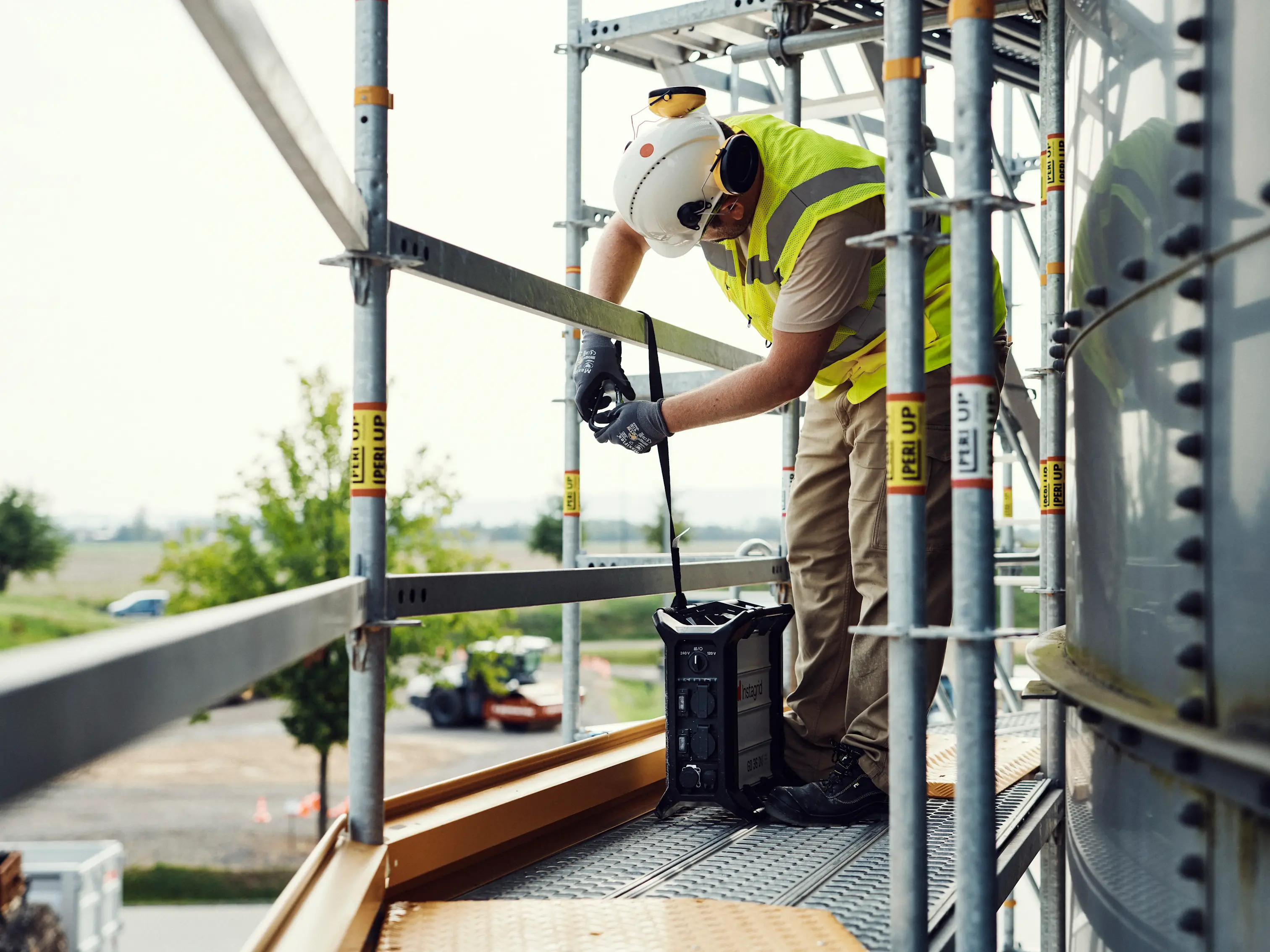
power"Instagrid delivered exactly what we were looking for: an industrial-grade power source with the longest runtime we’ve seen in such a compact footprint. We’ve used Instagrid units across multiple sites to power and test our systems all day long without needing to refuel, recharge constantly, or worry about weather conditions. It’s hands-down the best portable power solution we’ve used." Chad Jones, Managing Partner, Caprock Rentals
Customer stories
You’ve
got the
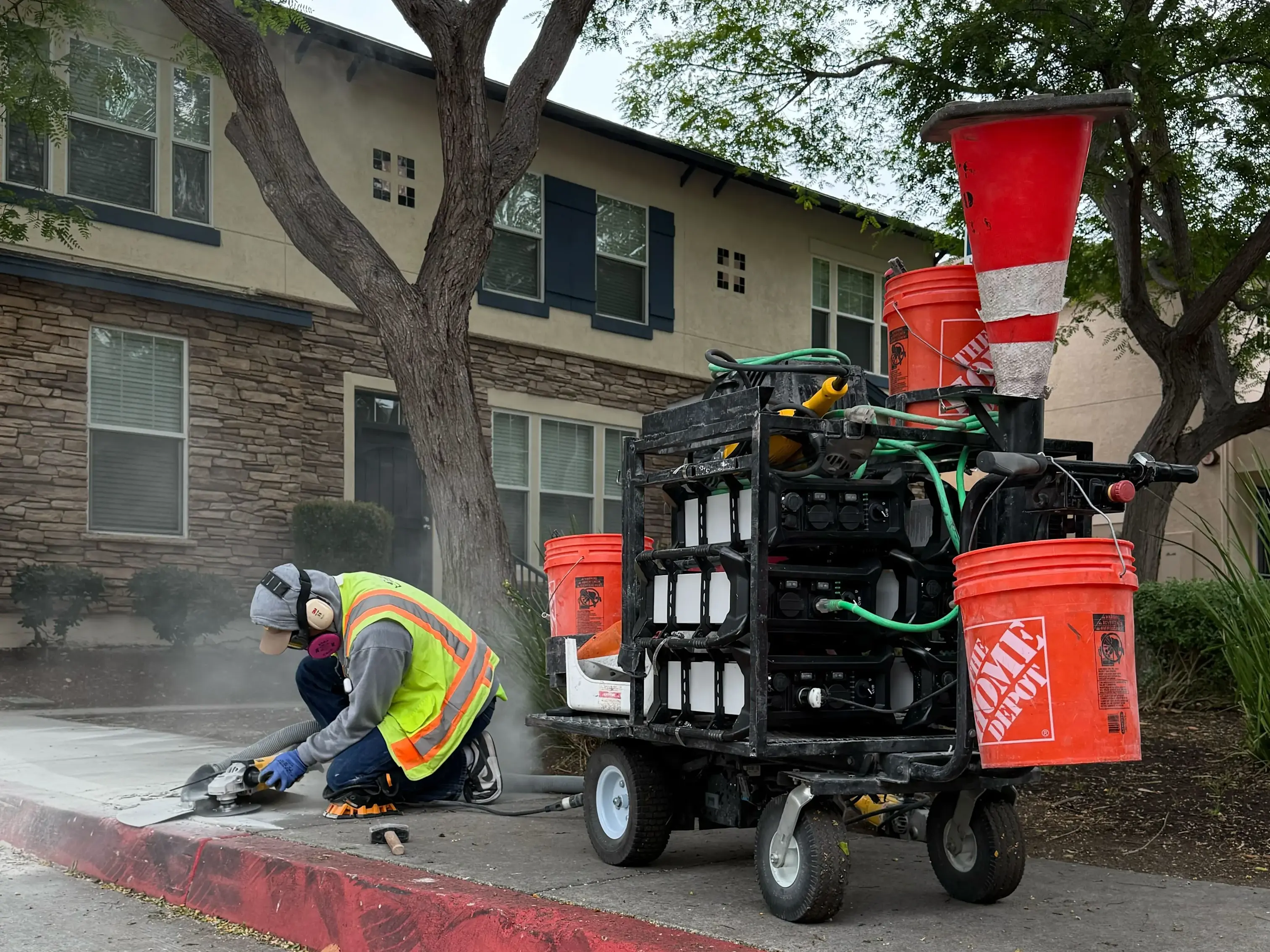
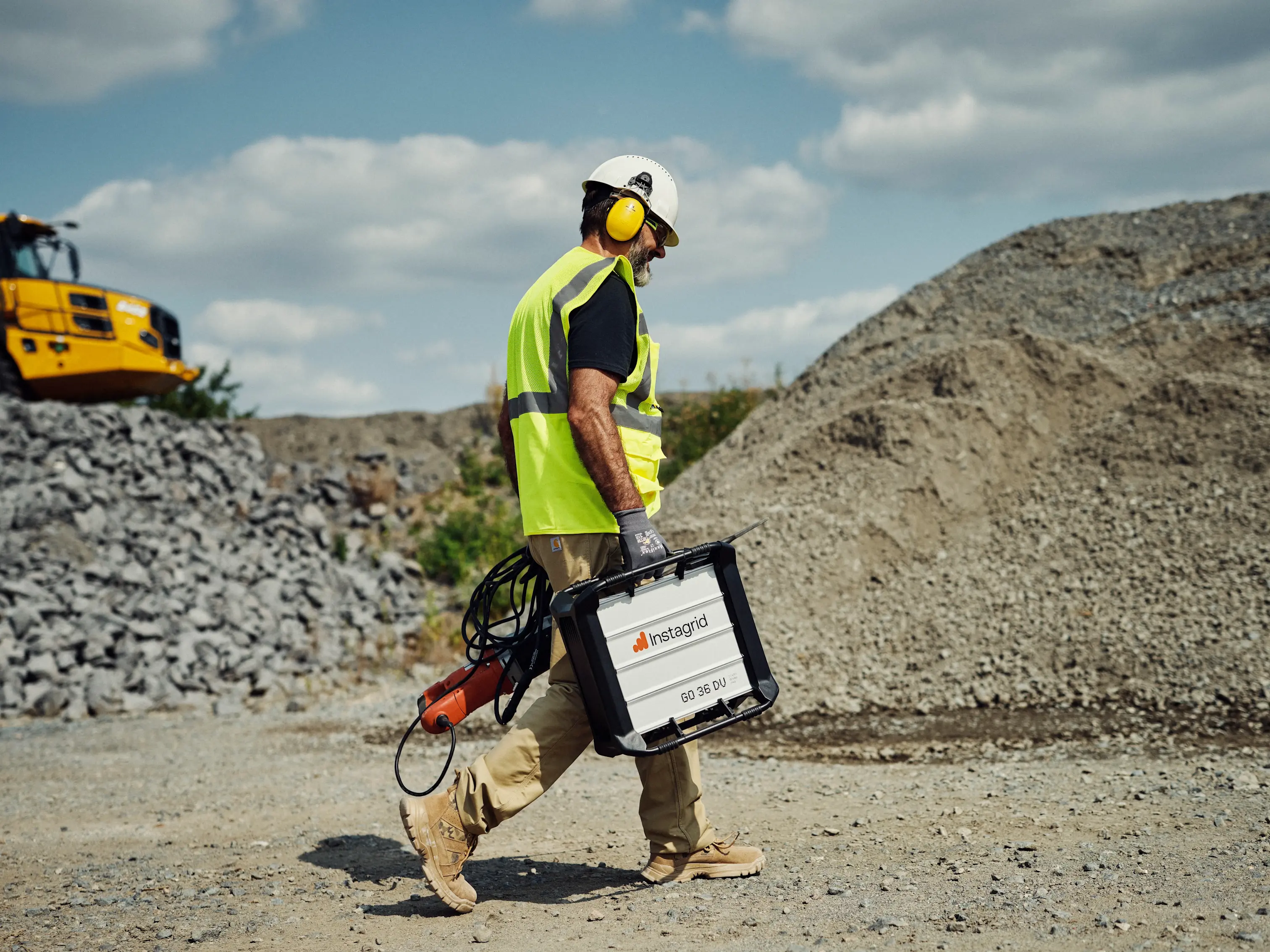
power"The Instagrid units have given us a level of flexibility that traditional gas generators simply cannot match. We’re now able to access and work efficiently in areas where gas-powered equipment is restricted or impractical, without sacrificing performance. Instagrid has consistently proven itself to be the most rugged and dependable solution we’ve worked with — continuing to deliver reliable power where other options fall short."
- Kevin Stengel, Director of Operations, Precision Concrete Cutting
Customer stories
You’ve
got the
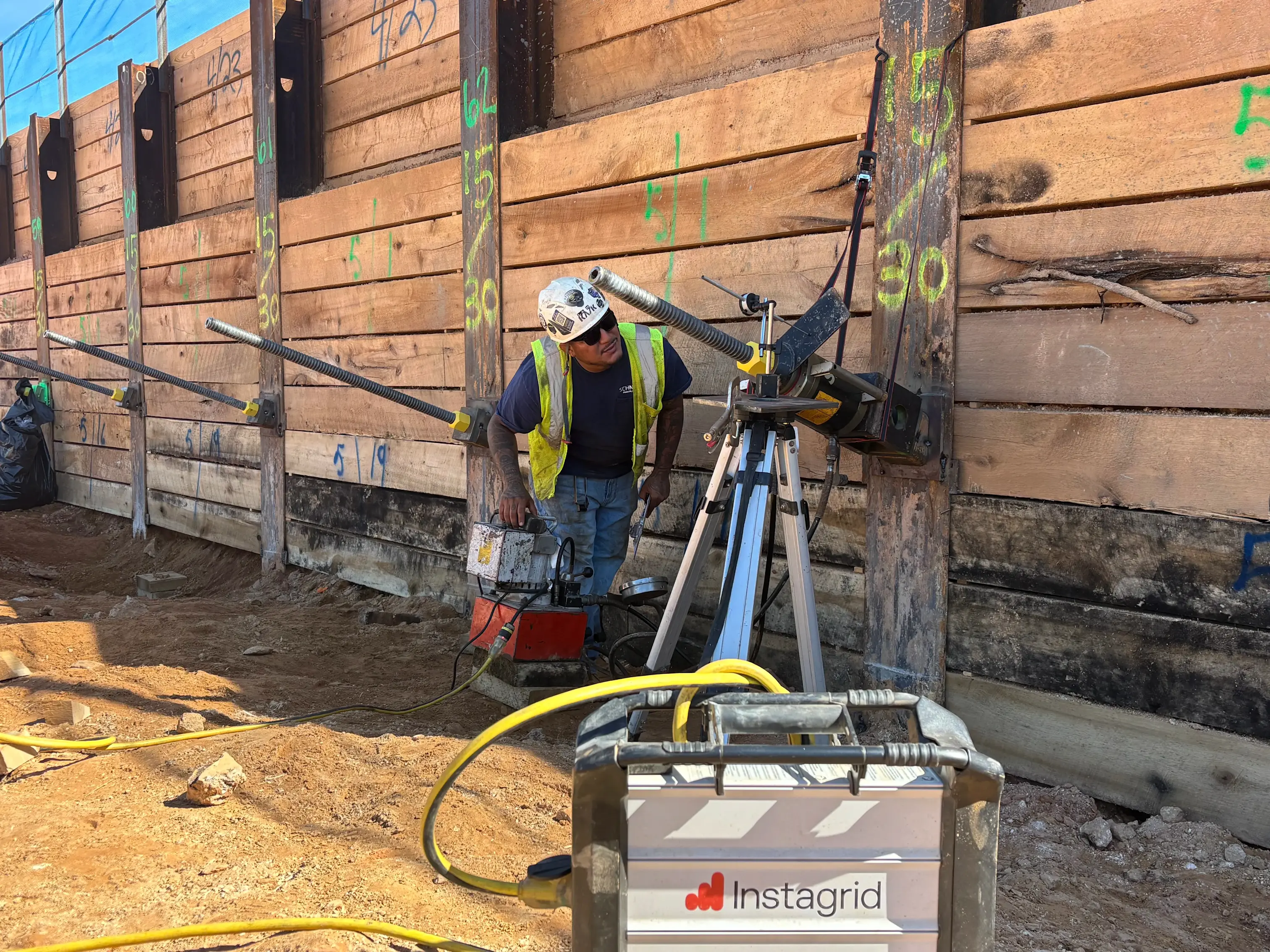
power"Everyone at Schnabel who has used the Instagrid GO has said they like it, and asked why we haven’t gotten something like this sooner. It is very portable, which makes it extremely convenient to use. It has a cost savings versus renting welding machines or generators for a power source for testing tiebacks. Charging is easy to do and it lasts at least a few days if not an entire week. We are very happy with the Instagrid GO. "
- Stan Worst, Operations Manager, Schnabel
Customer stories
You’ve
got the
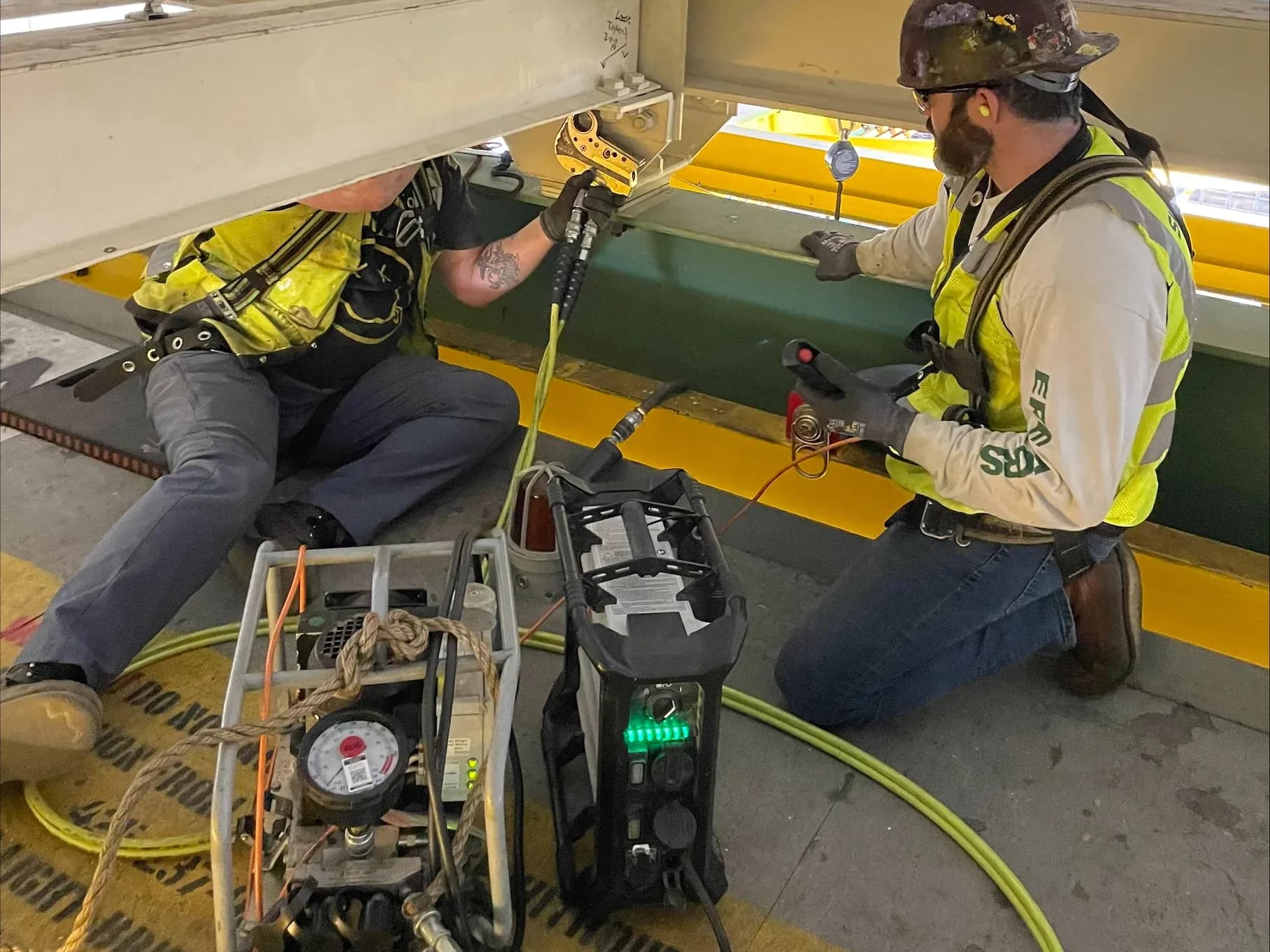
power"We used this up in remote crane system in a high bay in a large manufacturing building. For safety reasons we had to shutdown house power in the area we were working. We needed to run power tools not available in cordless versions. The size of a gas generator we would need to do this work, is too big and heavy get up into this work area. And we would have to deal with the exhaust, noise, fuel with a regular generator. We ran lighting and vacuums and a Hytorc electric torque wrench. It lasted the shift with no issues. "
- Dave Ketting, Foreman, Skanska
Customer stories
You’ve
got the
power"The Instagrid GO 36 DV has been a game-changer for us—compact, reliable, and powerful enough to keep our subcontractors’ tools running smoothly all day, whether we’re in remote areas or waiting on permanent power." Hummel Construction & Development General Contractor
Learn more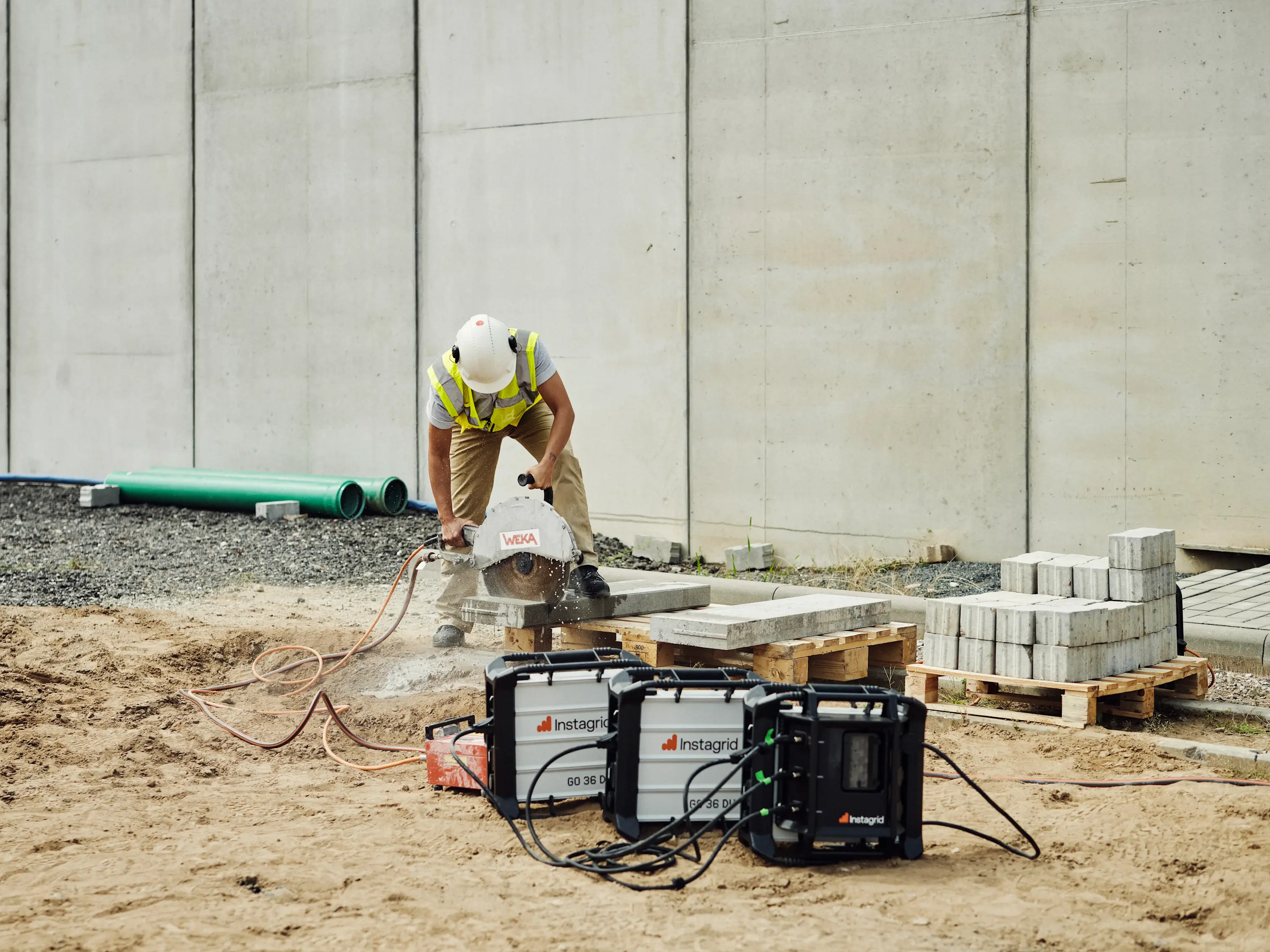
Customer stories
You’ve
got the
power"We have used it to power many tools, including a plasma cutter, for deck penetrations which has eliminated tripping hazards associated with extension cords and the need for temp power to complete our work at hand. This tool is now vital to our success on all projects." Sean Copenhaver, General Foreman, Apollo Mechanical Contractors
Customer stories
You’ve
got the
power"Love it. Each crew wants one. We saved time on set-up, didn’t have to fight starting a gas generator, and didn’t have to run extension cords 300-400’ into a building." Tanner Lindstrom, Owner, Columbia River Plumbing and Mechanical
Customer stories
You’ve
got the
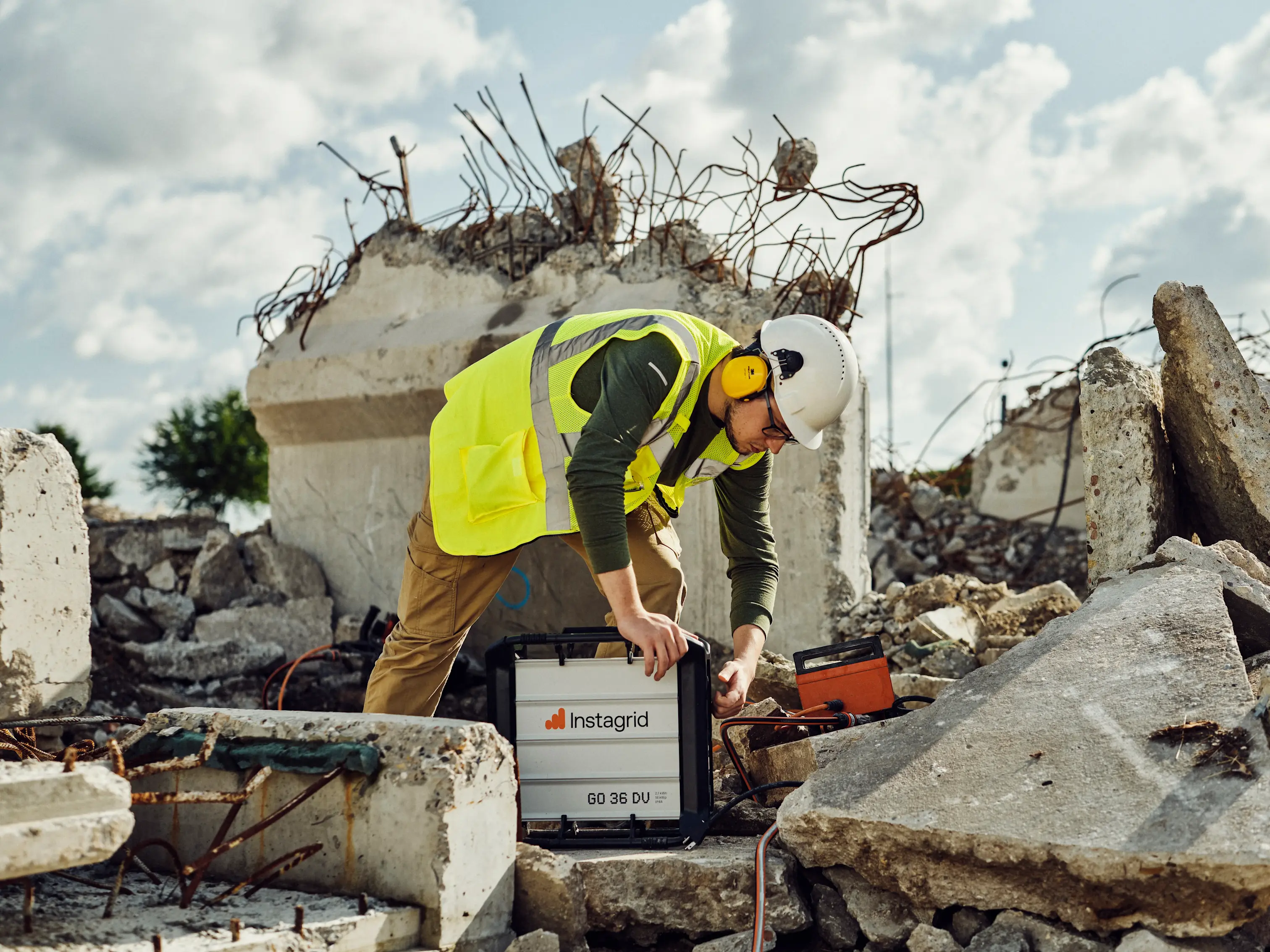
power"This portable generator by Instagrid is exactly what all General Contractors need at the job sites. The generator is noise-free, lightweight and most important, it provides the power needed in case of an outage. Huge A+ to the Instagrid Team, amazing product! " Cristian Rivera, Senior Superintendent, Garden Communities
Customer stories
You’ve
got the
power"With no electricity available in the room we were working in, our only alternative would have been to run a gas generator outside and string extension cords through doorways and hallways—an inefficient, time-consuming, and costly setup. Instead, we used the Instagrid portable power unit, and it performed flawlessly. It powered all of our necessary corded tools throughout the day without issue.The Instagrid unit was a game-changer for us—easy to use, reliable, and incredibly efficient." Matt Fredrickson, President, DGR Grant Construction

Instagrid app
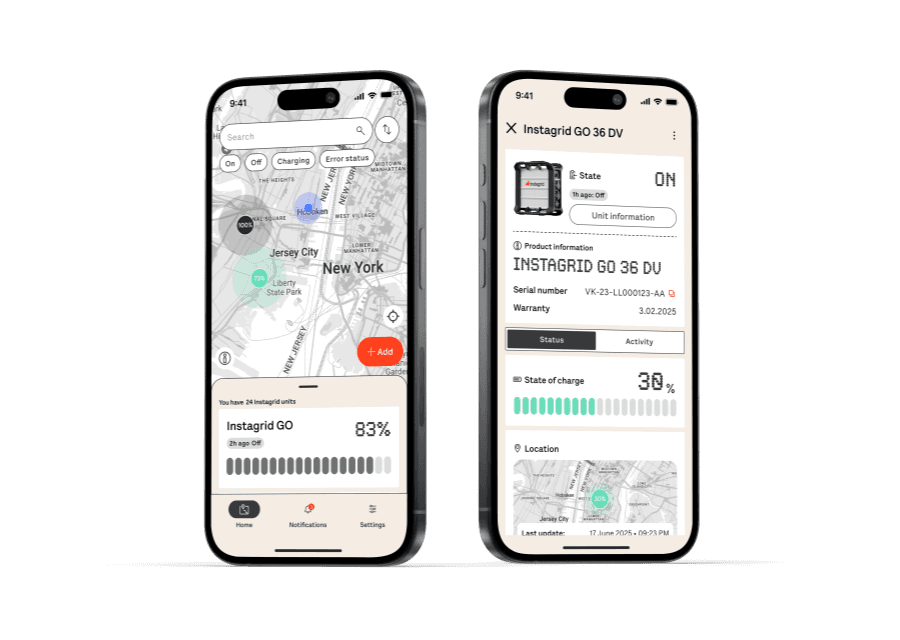
Instagrid app provides a fully-connected experience that enhances convenience, data accessibility, security, and fleet management for your Instagrid products.
Get latest software and feature releases via Bluetooth updates
Monitor your fleet and access detailed unit information
Use GPS and LTE to track your device and protect against theft

Fleet management

Location

Notifications

Status information


Request a demo
Interested in a demo or have questions?
Fill out the form and our sales team will get back to you shortly.
FAQ
Using Instagrid GO
Charging & Temperatures
Storage
Transportation
Troubleshooting & Tips
What do you need to power?
Construction
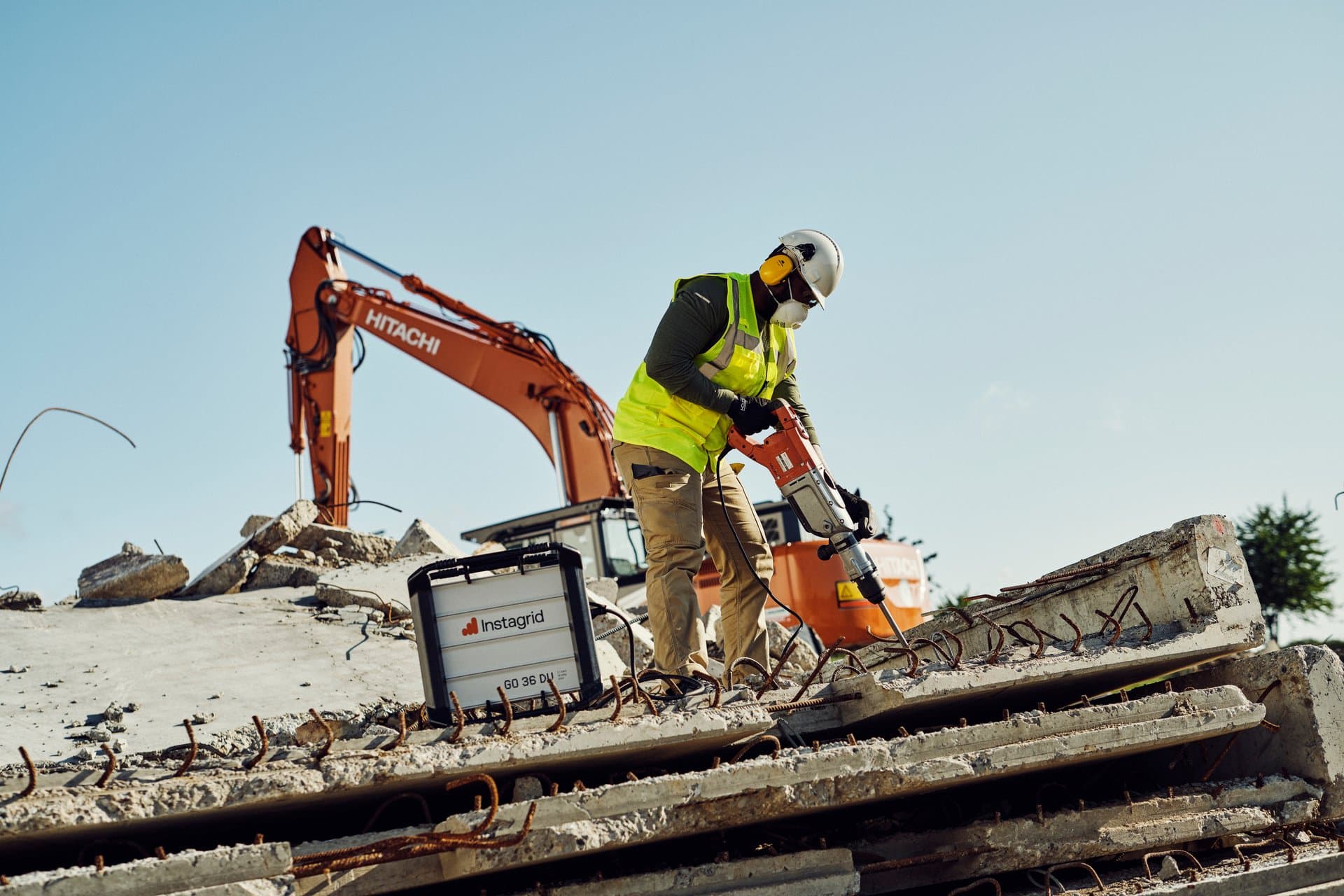
Power your jobsite
Power is simply at your fingertips. Put an end to long set-up times and get more work done per day. Power your welder, breaker, cut-off saw, pump, vaccuum...
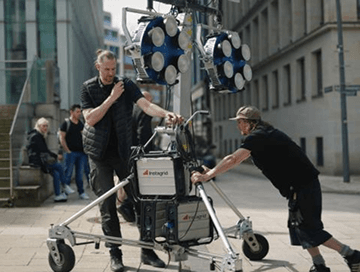
Film & media
Power your set
Maximum flexibility to power your equipment effortlessly in changing locations with minimal set up time. Power your lights, mobile workstations, battery chargers, ...
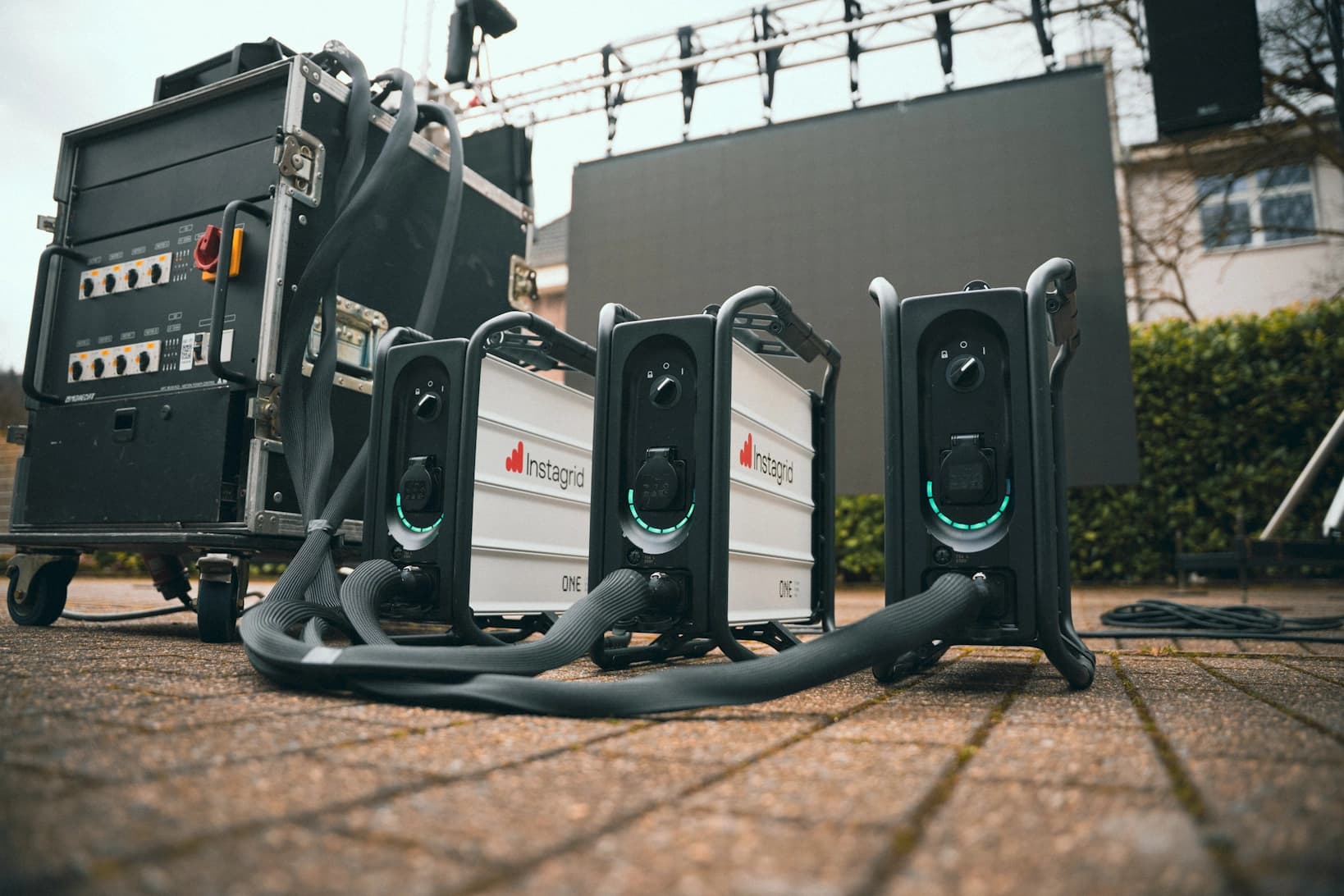
Events
Power your show
Maximum flexibility to power your equipment effortlessly in changing locations with minimal set up time. Power your lights, mobile workstations, battery chargers, ...
Expand your system
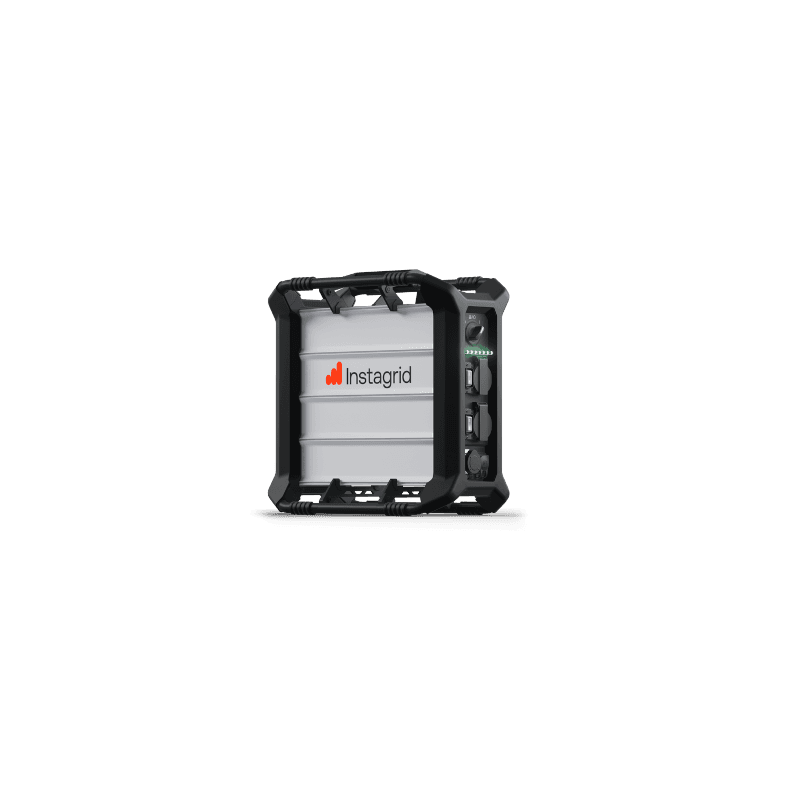
Instagrid GO
The portable grid-quality power supply. Operate your corded 120 V devices anytime and independently from the grid – reliable and hassle-free. At the same time, Instagrid GO is the heart of a system that can be expanded flexibly with LINK to increase runtime as needed. Main features:
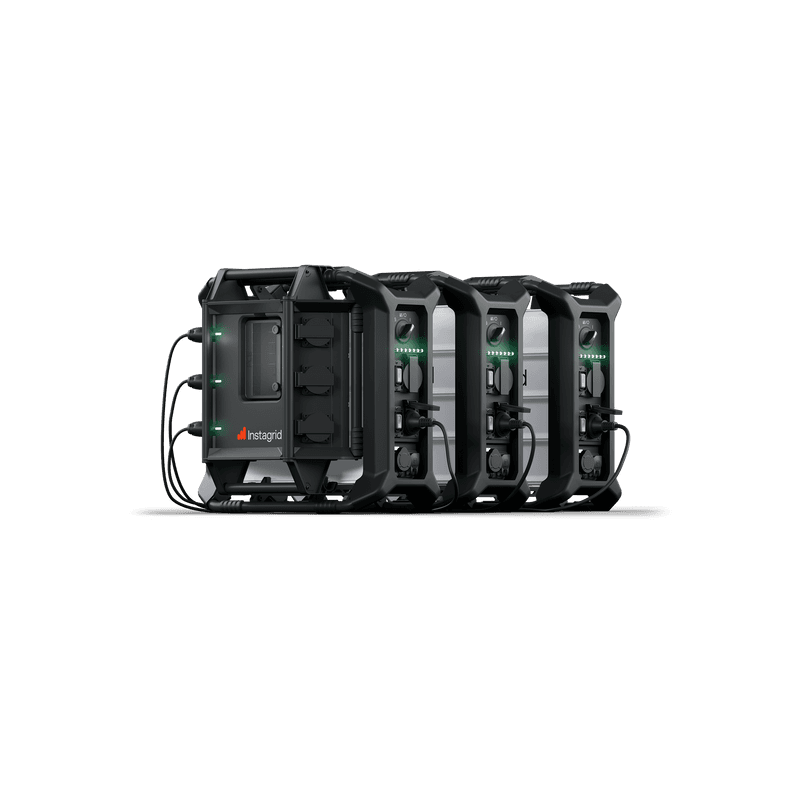
Instagrid LINK
The smart safety power distributor that lets you connect up to three Instagrid GO units into a large 120 V power supply with an energy content of up to 6.3 kWh for long lasting applications. In addition, you can use Instagrid LINK together with Instagrid GO as a backup system that automatically takes over in case of a grid power outage.
Main features:
Our impact
Find out how we support driving the clean energy transition all over the world.
News
Latest updates and great stories of how Instagrid changes and improves mobile power for all sorts of users.